


Open-source AI agent for the web
Describe the task, Nanobrowser does the work.


No model lock-in
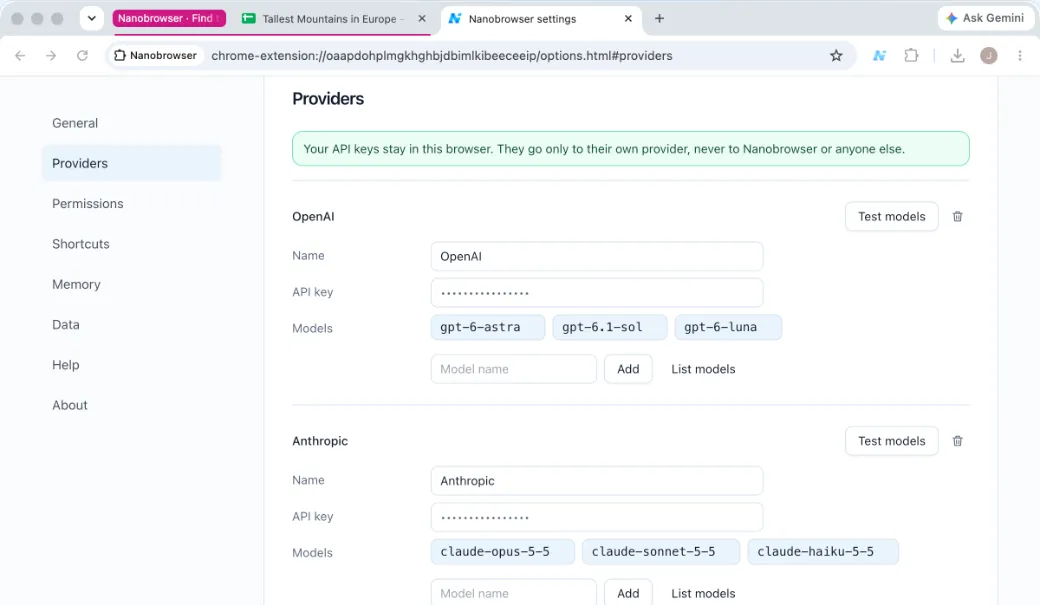
Use the AI model you like: OpenAI, Anthropic, Gemini, DeepSeek, OpenRouter, or a model on your own computer.
- OpenAI
- Anthropic
- Gemini
- DeepSeek
- OpenRouter
- Local models
Runs in your logged-in browser
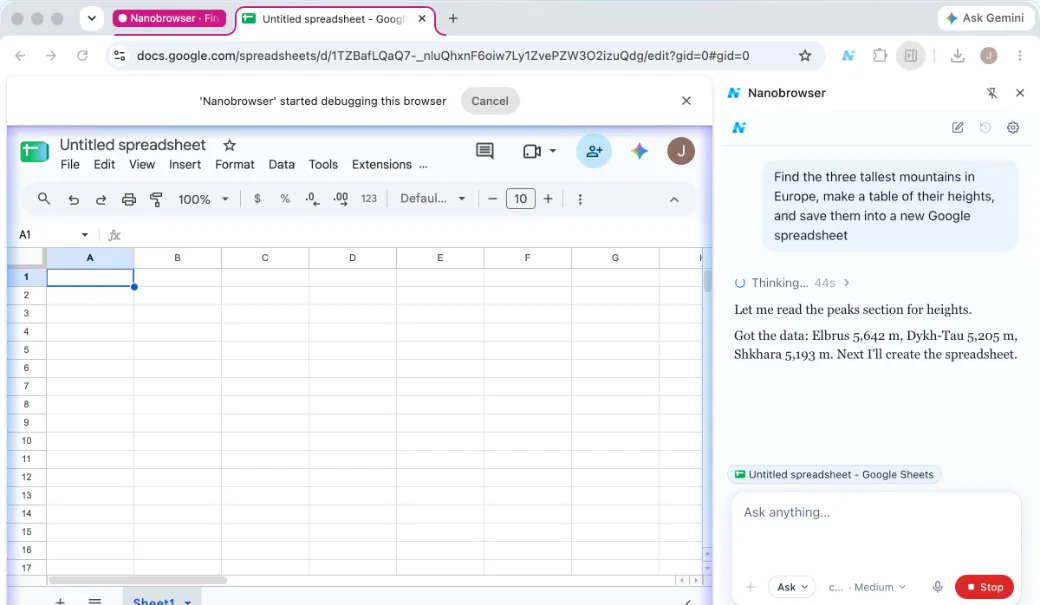
It works locally in the browser you already use, with the sites and accounts you're signed into.
Free and open source
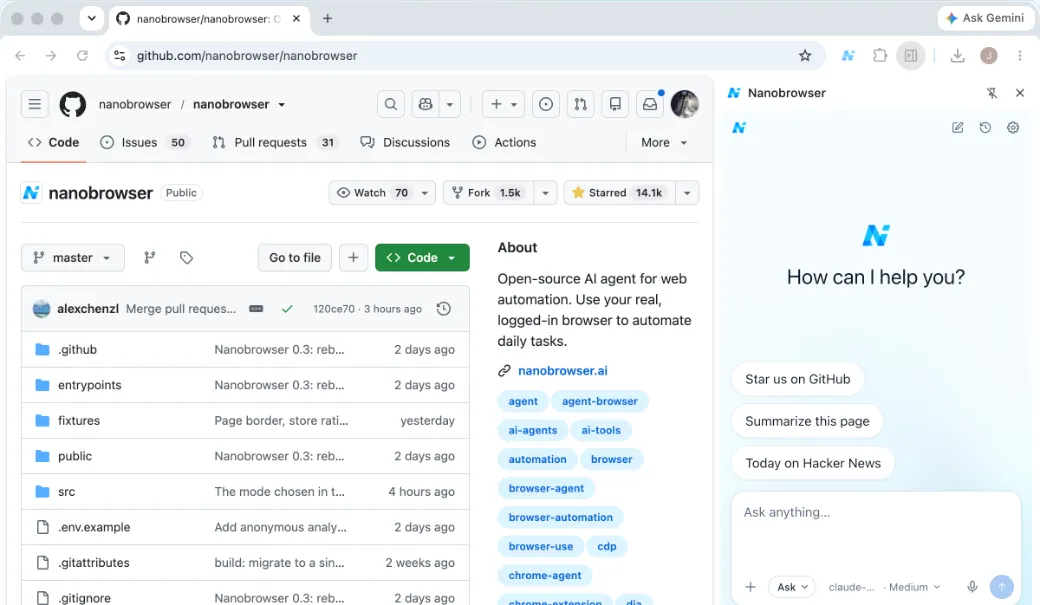
No sign-up, no subscription. Apache-2.0 on GitHub. Your API keys and chats are kept in your browser.
FAQ
What is Nanobrowser?
An open-source AI agent for the web. It runs as a Chrome and Edge extension in the browser's side panel and works in your real, signed-in browser: tell it what you need and it clicks, types and reads pages to get it done.
Read moreWhich AI models can I use?
Anthropic, OpenAI, Google Gemini, OpenRouter, xAI Grok, DeepSeek, Mistral, any service that works like OpenAI's, or a model on your own computer. Add one in Settings → Providers, paste your API key (a local model needs none) and pick a model.
Read moreIs it free?
Yes. Nanobrowser is free and open source, with no sign-up. You pay your model provider directly for what you use.
Read moreWhere do my API keys and chats go?
Your keys and chats are stored in your browser. Each key goes only to its own provider. Your messages and the pages the agent reads go to the model provider you pick. No Nanobrowser server sees them.
Read moreWill it act without asking me?
In Ask mode, the default, it asks before it submits, sends, deletes or uploads anything. You can allow it once, allow it on that site, or deny it. It may not spot every such step, so keep an eye on it.
Read moreHow can I contribute?
Open issues and pull requests on GitHub, or share prompts and feedback in Discord.
Read more